 Forge Island · 2026-11-01
Forge Island · Unreal Engine 5
What is the prop kit?
The prop kit is the list of every object placed around the Forge Island homestead, such as silos, sheds, trees and machine parts. Each entry points to the real 3D model that replaces a grey placeholder shape in the game. The list lives in one tracked file, and each model is locked to an exact file fingerprint so every machine loads the same models.
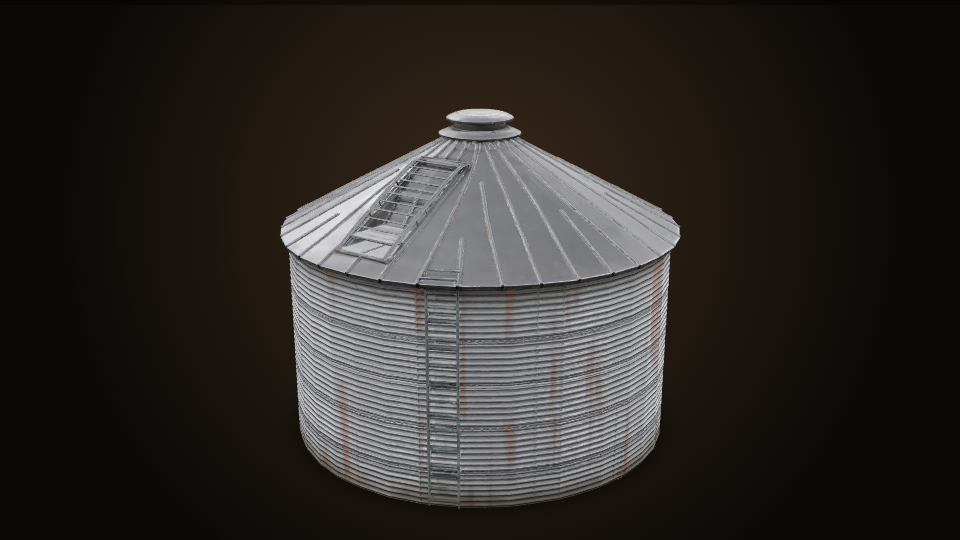
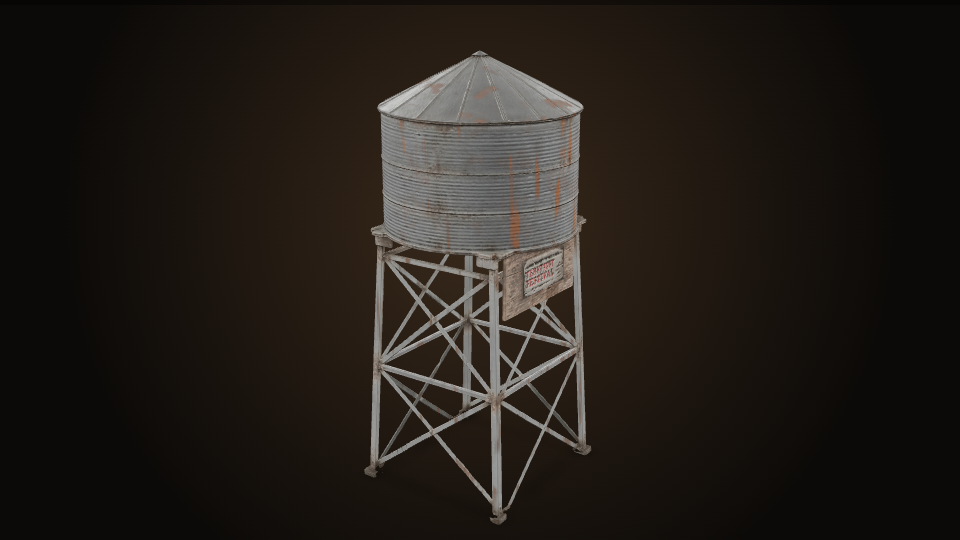
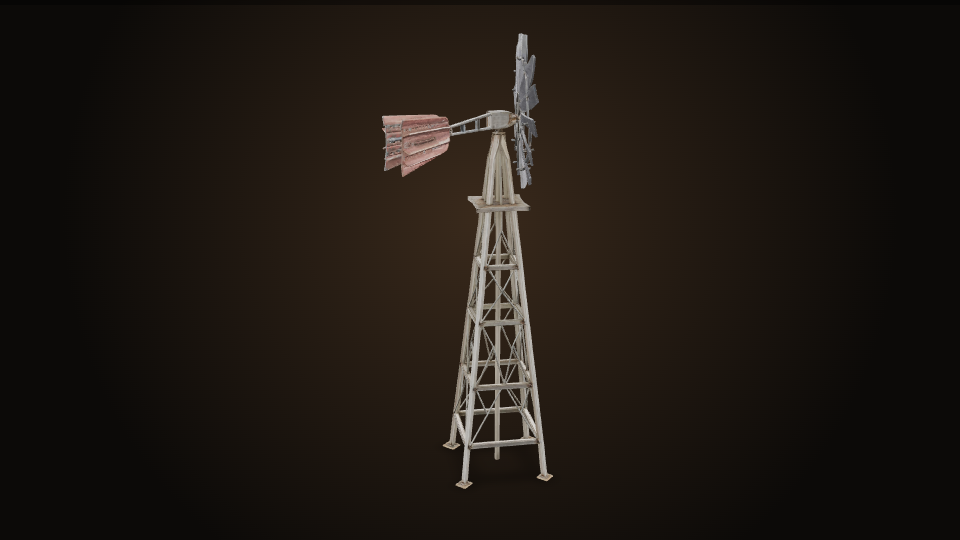
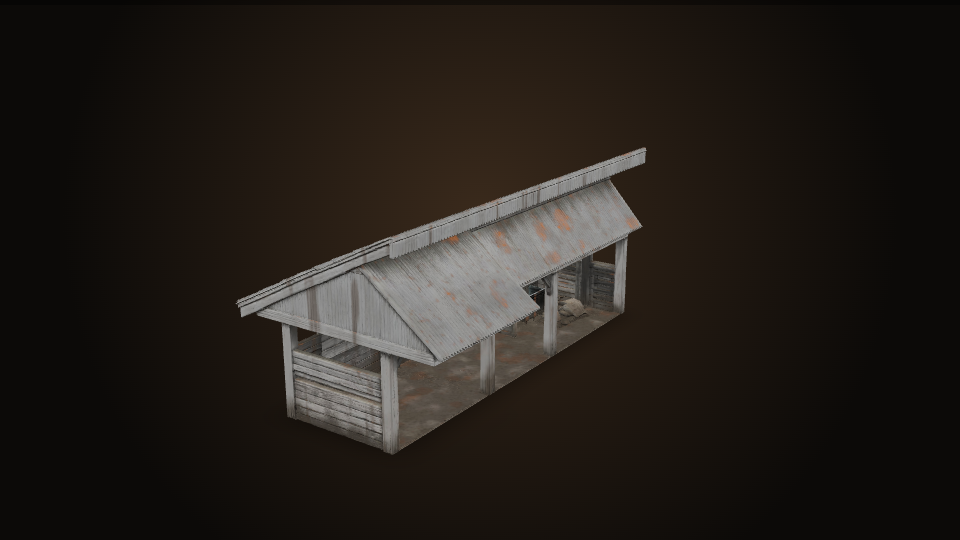
Some of the props
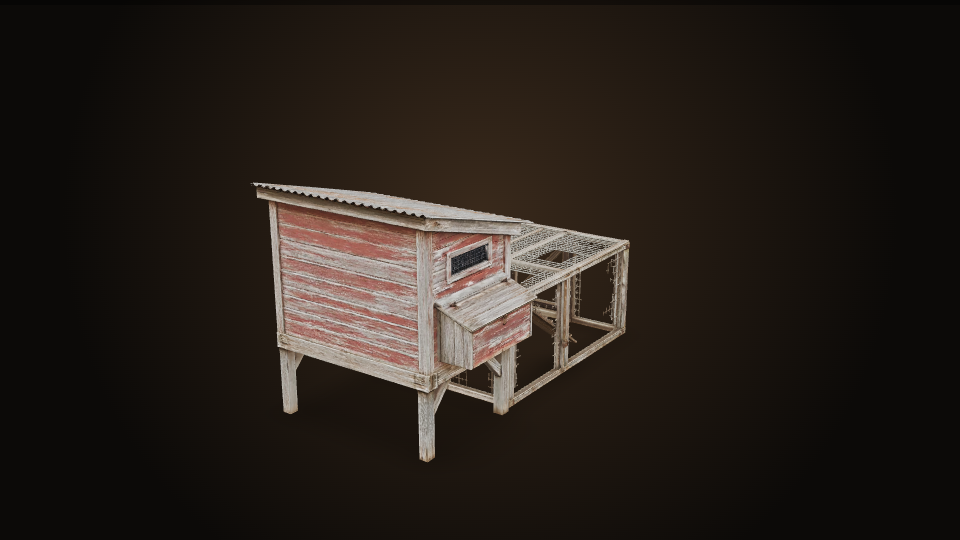
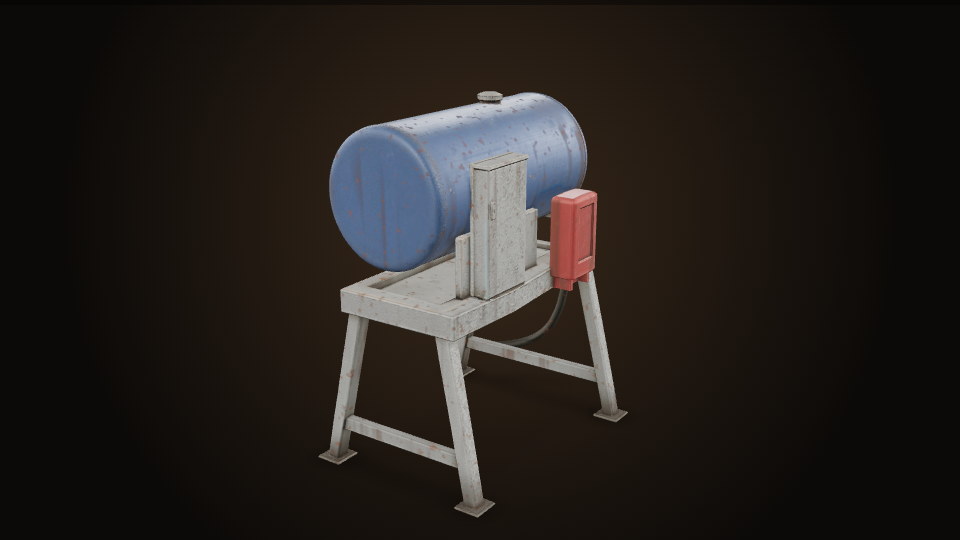
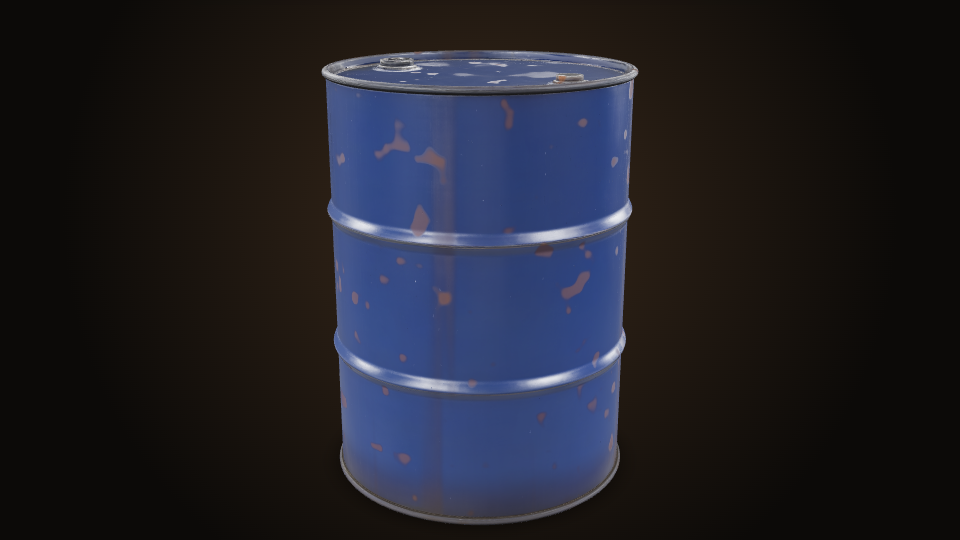
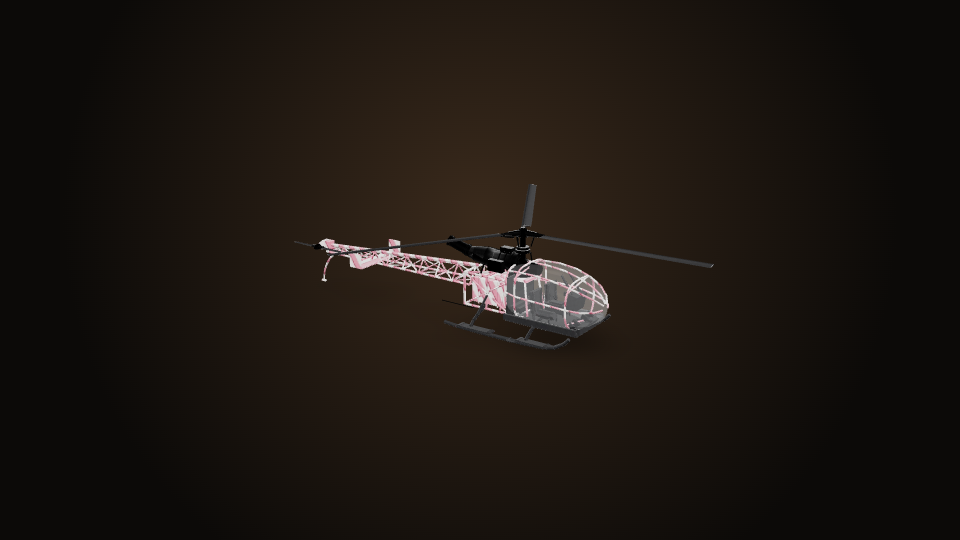
These are previews of the real accepted models from ForgeMedia. Sizes are each prop's real-world height or length in the game.
How a prop gets into the game
Placeholder
The homestead layout code (
homestead.ts) puts a simple grey stand-in shape wherever the prop goes. Each stand-in gets an entry in the prop kit with an id and every spot it appears.Real model
A model is made or found. Usually it's AI image-to-3D from a game screenshot (Tripo, 3D AI Studio, Meshy, Hunyuan), or it comes from Poly Haven, a plant catalog, procedural code or a ForgeFX artist.
Accept and lock
Once the model looks right, the entry is marked accepted and its exact SHA-256 file fingerprint is saved. From then on, a missing or changed model stops the build instead of quietly showing the grey shape.
Upload
--publishuploads each accepted model to ForgeMedia's private storage, filed under its fingerprint, and updates the tracked list incontent/prop-kit/manifest.json.Fetch and check
On any machine,
unreal:preparecopies in the tracked list, downloads any model it doesn't have, checks every fingerprint, and imports the models into Unreal under/Game/ForgeIsland/Props/<id>.Place
The game puts the model at every recorded spot, scales it to the prop's real size, sits it on the ground and hides the grey stand-in. An automated test (
World.HomesteadProps) checks that every prop was placed.
What's in it
- Farm buildings and yard items: silo, water tower, windmills, sheds, coop, bales, drums, crates, tanks
- Trees and plants: tree-farm species, treelines, grass tussocks along the field edges
- Heavy-equipment parts, split so they can move: excavator boom, stick, bucket and cylinders, plus grader, dozer and wheel-loader parts
- Showroom houses, lab rooms, parked cars and vehicles such as the light helicopter
What each entry records
idand model path<id>/<id>.glbsha256, the exact file fingerprint- Where it came from: provider, model, task id, and the prompt used
forgemediaId, the model's catalog record- Which grey stand-in it replaces and every spot it appears
scaleMetresfor its real size, and whether it'saccepted
Where the models come from
| Source | Props | Notes |
|---|---|---|
| ForgeFX | 140 | Made by the team or cut from existing ForgeFX models |
| Tripo | 104 | AI image-to-3D, including the Tripo-plus-sign hybrids |
| Poly Haven | 39 | Free scanned models |
| 3D AI Studio | 31 | AI image-to-3D through its Prism, Tripo and Hunyuan engines |
| Procedural | 23 | Generated by code |
| Plant catalog | 16 | Trees and shrubs |
| Other | 25 | Meshy, Jagopo, Hunyuan Pro, Outokumpu, Blender, catalog reuse, one-offs |
What changed today
A fresh machine can now set itself up. Before today, the prop list and the models lived only on the Windows development PC. Commit 05e4dac853 added the list to the repo and stored every accepted model in ForgeMedia. On forgebot-studio (Mac), one unreal:prepare run downloaded 352 models, checked every fingerprint, and imported all 375 accepted props with 0 errors.
Proof in the game: the mowing demo found 1 field-grass layer of 21,270 plants, and a lap cut 3,293 of them.